
Simplify Your Life: The Benefits of Automatic Software Updates and How to Enable Them
In an increasingly digital world, where our lives are intertwined with countless applications and operating systems, the concept of software updates can often feel like a nagging chore. Yet, hidden beneath the surface of those persistent notifications lies a powerful tool for simplifying your life, bolstering your security, and optimizing your digital experience: automatic software updates. These silent guardians, far from being a mere inconvenience, diligently work to keep your devices running smoothly and safely.
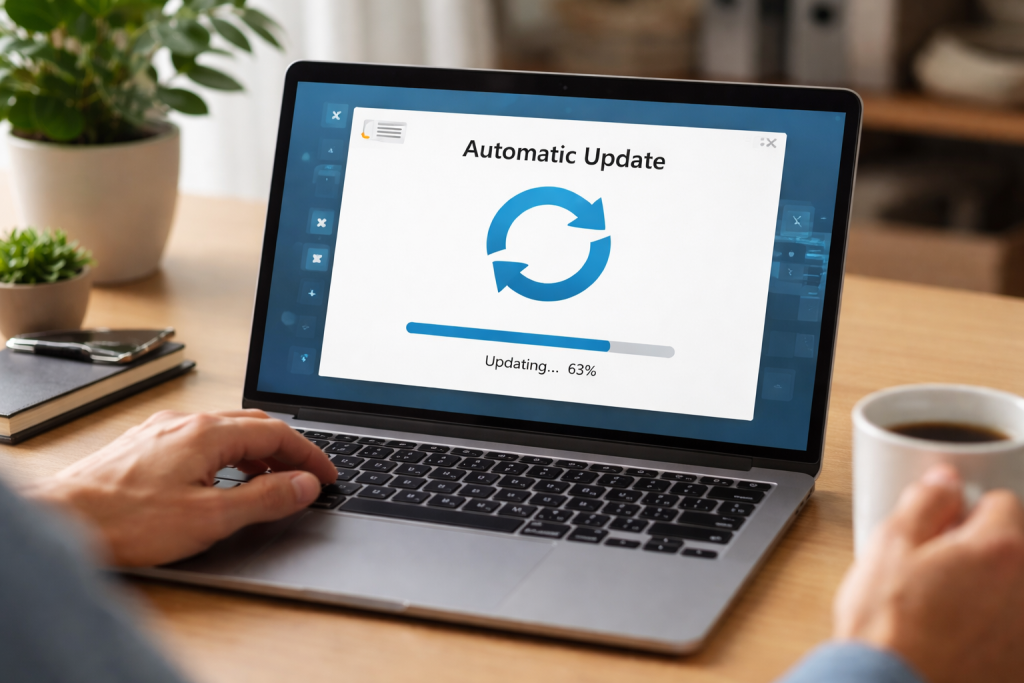
While the immediate thought of a software update might conjure images of rebooting your computer at an inopportune moment, the benefits of keeping your software current extend far beyond avoiding a few frustrating pop-ups. It’s about ensuring a seamless, secure, and highly functional digital existence.
Contents
- 0.1 Bolstering Your Digital Fortifications
- 0.2 Elevating Performance and Functional Efficacy
- 0.3 Reclaiming Valuable Time and Mental Energy
- 0.4 A Smoother, More Reliable User Experience
- 0.5 Configuring Operating System Updates
- 0.6 Managing Application Updates
- 0.7 Exposed to Security Vulnerabilities
- 0.8 Facing Compatibility Issues and Performance Degradation
- 0.9 Optimized Resource Utilization
- 0.10 Seamless Integration and Interoperability
- 1 FAQs
- 1.1 1. What are the benefits of automatic software updates?
- 1.2 2. How can automatic updates simplify your life?
- 1.3 3. What is the importance of keeping your software up to date?
- 1.4 4. What are the risks of ignoring software updates?
- 1.5 5. How can you enable automatic software updates on different devices?
- 1.6 About the Author
Bolstering Your Digital Fortifications
Perhaps the most critical aspect of updated software is its role in cybersecurity. The digital landscape is a constant battleground, with malicious actors relentlessly seeking vulnerabilities to exploit. Each software update often includes crucial security patches designed to close these loopholes, acting as a digital shield against viruses, malware, and other cyber threats. Running outdated software is akin to leaving your front door unlocked in a bustling city—an invitation for trouble. Manufacturers and developers constantly discover and address new security vulnerabilities. By automatically updating, you ensure your devices are protected with the latest defenses, making it significantly harder for hackers to gain unauthorized access to your personal data, financial information, and private communications. This proactive approach to security is a cornerstone of responsible digital citizenship.
Elevating Performance and Functional Efficacy
Beyond security, automatic updates are also instrumental in enhancing the performance and functionality of your devices and applications. Software, like any complex system, can experience bugs and inefficiencies. Developers consistently refine their code, optimize algorithms, and introduce new features to improve user experience.
Unlocking New Features and Enhancements
Many updates aren’t just about fixing what’s broken; they’re about adding exciting new capabilities. Imagine suddenly gaining access to a more intuitive interface, faster processing speeds, or innovative tools that streamline your workflow—all without lifting a finger. Automatic updates deliver these enhancements directly to your device, ensuring you’re always operating with the most advanced and efficient versions of your software.
Squashing Bugs and Improving Stability
Furthermore, updates are the primary mechanism for squashing those irritating bugs that can degrade your experience. From unexpected crashes to sluggish performance, these glitches can be incredibly disruptive. Developers work tirelessly to identify and remedy these issues, and automatic updates ensure that these fixes are promptly applied to your system. This translates to increased stability, fewer frustrating interruptions, and a more reliable computing experience overall.
Every moment matters in our fast-paced lives. The cognitive load associated with manually managing software updates can be considerable, adding unnecessary stress and eating into valuable time. This is where the true brilliance of automatic updates shines through: they transform a potential chore into a seamless, background operation.
Reclaiming Valuable Time and Mental Energy
Consider the time you might spend manually checking for updates across all your devices and applications. Each browser, operating system, mobile app, and desktop program requires attention. Multiply that by the number of devices you own, and the cumulative time spent can be surprisingly significant. Automatic updates liberate you from this mundane task. They work silently in the background, often scheduling updates during idle times or overnight, ensuring that your software is always current without requiring your direct intervention. Such functionality frees up your mental energy to focus on more important tasks, allowing you to be more productive and less bogged down by digital maintenance.
A Smoother, More Reliable User Experience
The continuous integration of updates through automation contributes directly to a smoother and more reliable user experience. When all your software components are consistently up-to-date, they are more likely to interact harmoniously, reducing conflicts and compatibility issues. This leads to fewer unexpected errors, faster loading times, and a generally more satisfying interaction with your technology. The absence of jarring update prompts also contributes to an uninterrupted workflow and a more fluid digital journey.
The good news is that enabling automatic software updates is typically a straightforward process across most popular devices and operating systems. While the exact steps may vary slightly, the underlying principle remains the same: granting your device permission to manage its updates.
Configuring Operating System Updates
For your core operating system, whether it’s Windows, macOS, Android, or iOS, automatic updates are usually an option within the system settings. On Windows, you can find these settings under “Update & Security,” where you can often set active hours to prevent reboots during your busiest times. macOS integrates updates under “Software Update” in System Preferences, offering options for automatic downloads and installations. For mobile devices, navigate to your device’s settings, typically under “System” or “About Phone/Device,” and look for “Software Update” or “System Updates.” Ensure that automatic downloads and installations are enabled.
Managing Application Updates
Beyond the operating system, individual applications also benefit from automatic updates. Many desktop applications come with their own integrated update managers, which you can configure for automatic checks and installations. The Google Play Store and Apple App Store offer settings for mobile apps that allow all installed apps to receive updates automatically. This ensures that your social media, productivity tools, and entertainment apps are always running their best versions. Taking a few moments to review these settings across all your platforms will pay dividends in enhanced security, performance, and convenience.
While the benefits of automatic updates are extensive, it’s equally important to understand the significant risks associated with neglecting them. Ignoring update notifications or actively disabling automatic updates can open your devices and data to a host of problems.
Exposed to Security Vulnerabilities
As discussed, security updates are critical. By skipping them, you leave your system vulnerable to newly discovered exploits. This makes your device an easier target for ransomware, data breaches, and identity theft. The longer you put off updating, the greater the window of opportunity for cybercriminals to compromise your sensitive information. This phenomenon isn’t just about financial loss; it can also lead to reputational damage and immense personal stress.
Facing Compatibility Issues and Performance Degradation
Outdated software can also lead to a cascade of compatibility problems. Newer applications or websites might not function correctly on older software versions, leading to frustrating errors, crashes, or an inability to access certain content. Furthermore, performance can suffer. Older software might not be optimized for newer hardware, leading to slower processing, increased battery drain, and an overall sluggish experience. Ignoring updates essentially means choosing to operate with a less efficient and less capable system than you could be enjoying. In essence, neglecting updates is a gamble with your digital well-being, one that is rarely worth the perceived inconvenience of a brief installation.
When automatic updates are embraced as a standard practice, their impact reverberates throughout your entire digital ecosystem, creating a positive feedback loop that continually enhances performance and functionality. This isn’t merely about individual fixes; it’s about fostering a perpetually optimized environment.
Optimized Resource Utilization
Modern software updates frequently include optimizations that lead to more efficient resource utilization. This means your applications consume less RAM, fewer CPU cycles, and often less power, which is particularly beneficial for mobile devices. As a result, your devices operate faster, run cooler, and experience extended battery life. This constant refinement process ensures that your hardware is always working in concert with the most efficient software, maximizing its potential and longevity.
Seamless Integration and Interoperability
Various applications and systems work together in today’s interconnected digital world. Automatic updates are necessary to preserve this delicate balance. When your operating system, web browser, productivity suite, and various utilities are all running current versions, they are far more likely to communicate and integrate seamlessly. This minimizes compatibility glitches, ensures proper data exchange, and allows for a fluid workflow across different platforms and applications. The cumulative effect is a harmonious digital environment where everything “just works,” reducing friction and enhancing your overall productivity and enjoyment. By allowing your devices to update themselves, you are essentially investing in a future where your technology is always evolving to meet your needs, ensuring a consistently high level of performance and functionality.
FAQs
1. What are the benefits of automatic software updates?
Automatic software updates offer several benefits, including improved security, enhanced performance, and access to new features and functionalities. They also save time and effort by eliminating the need for manual updates.
2. How can automatic updates simplify your life?
Automatic software updates simplify your life by ensuring that your devices are always up to date without requiring your active involvement. This saves time and effort and provides peace of mind knowing that your software is current and secure.
3. What is the importance of keeping your software up to date?
Keeping your software up to date is important for preserving security and protecting your devices from potential vulnerabilities and threats. It also ensures that you have access to the latest features and improvements.
4. What are the risks of ignoring software updates?
Ignoring software updates can leave your devices vulnerable to security breaches, malware, and other cyber threats. Outdated software may also experience performance issues and lack access to new features and enhancements.
5. How can you enable automatic software updates on different devices?
The process for enabling automatic software updates varies by device and operating system. Generally, you can enable automatic updates through the settings or preferences menu of your device. Consult the specific instructions for your device and operating system to enable automatic updates.

About the Author
Maya Ali is the founder of ByteSolving with experience in technology and digital solutions. His mission is to make technology easier to understand and help people solve everyday tech problems in a simple and practical way.